


📐 Adjustable Woodworking Angle Finder & Transfer Ruler for Marking Angled Cuts
📐 Adjustable Woodworking Angle Finder & Transfer Ruler for Marking Angled Cuts


BUNDLE & SAVE
Couldn't load pickup availability
-
Ordered
- - -
Order Ready
- - -
Delivered

📐 Adjustable Woodworking Angle Finder & Transfer Ruler for Marking Angled Cuts
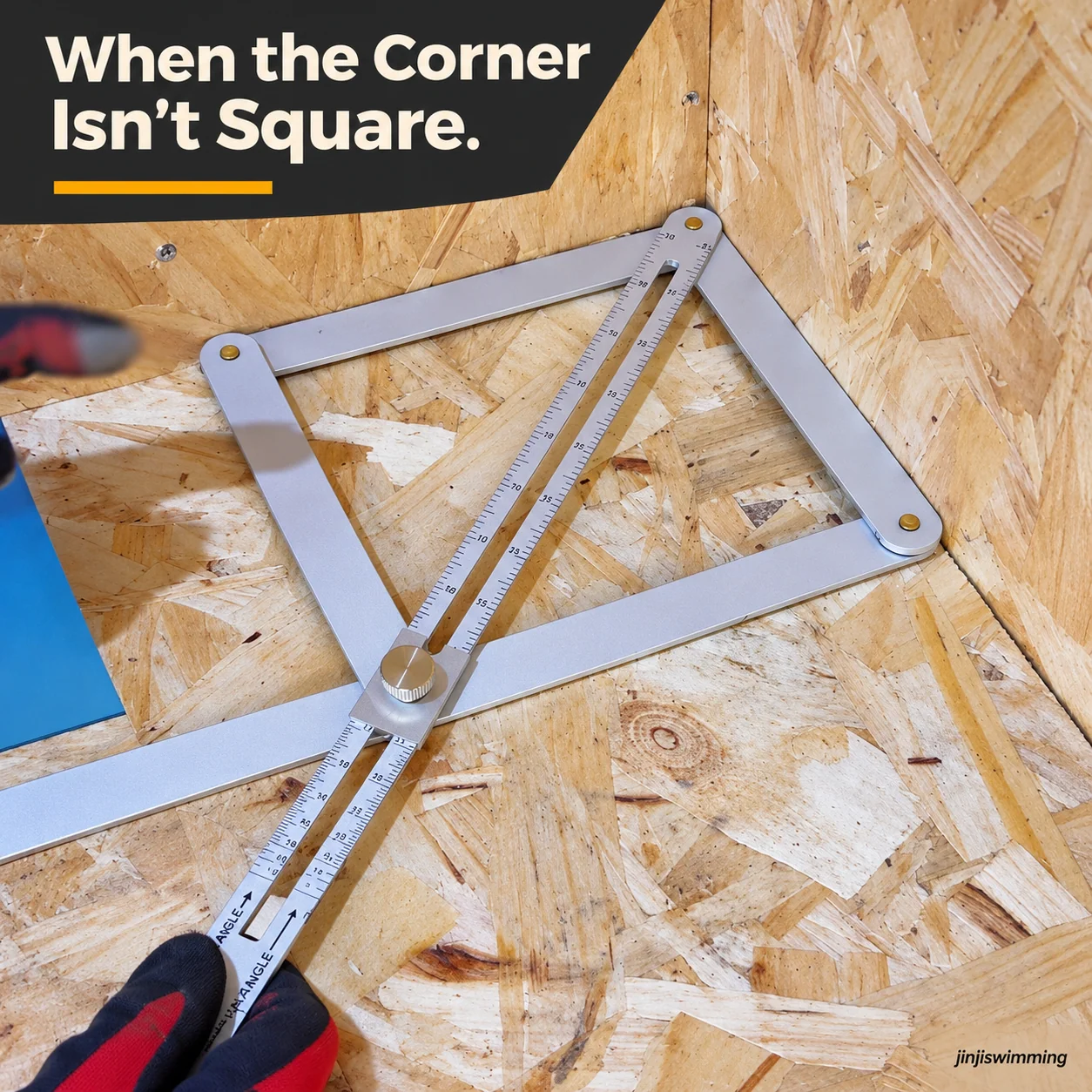
FROM CORNER TO CUT LINE
When the Corner Isn't Square.
Match the angle in front of you, hold the setting and transfer it to your next woodworking cut.
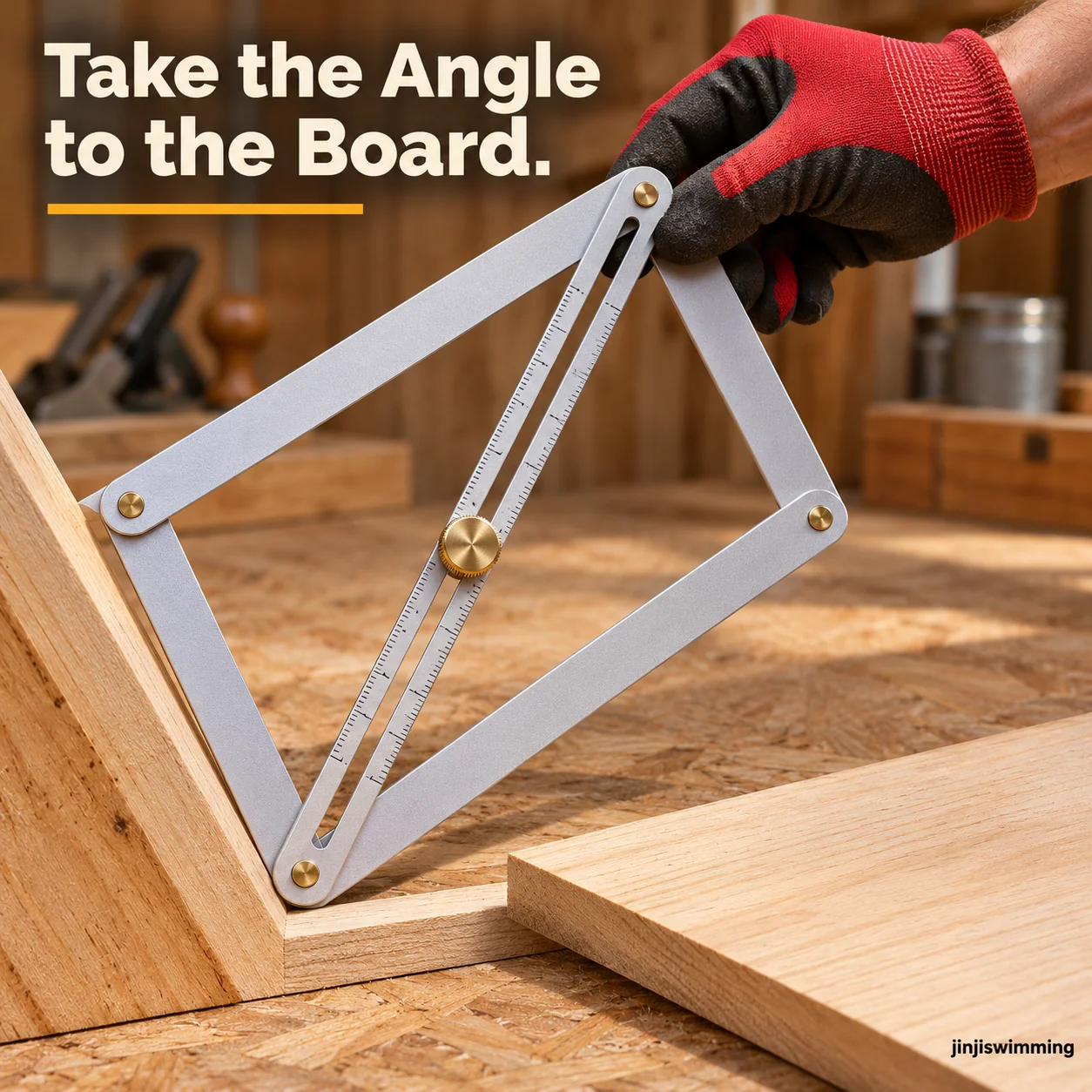
TAKE THE ANGLE TO THE BOARD
Capture It Here. Mark It Over There.
Fit the hinged frame against the existing angle, then use that setting as a guide on your workpiece.
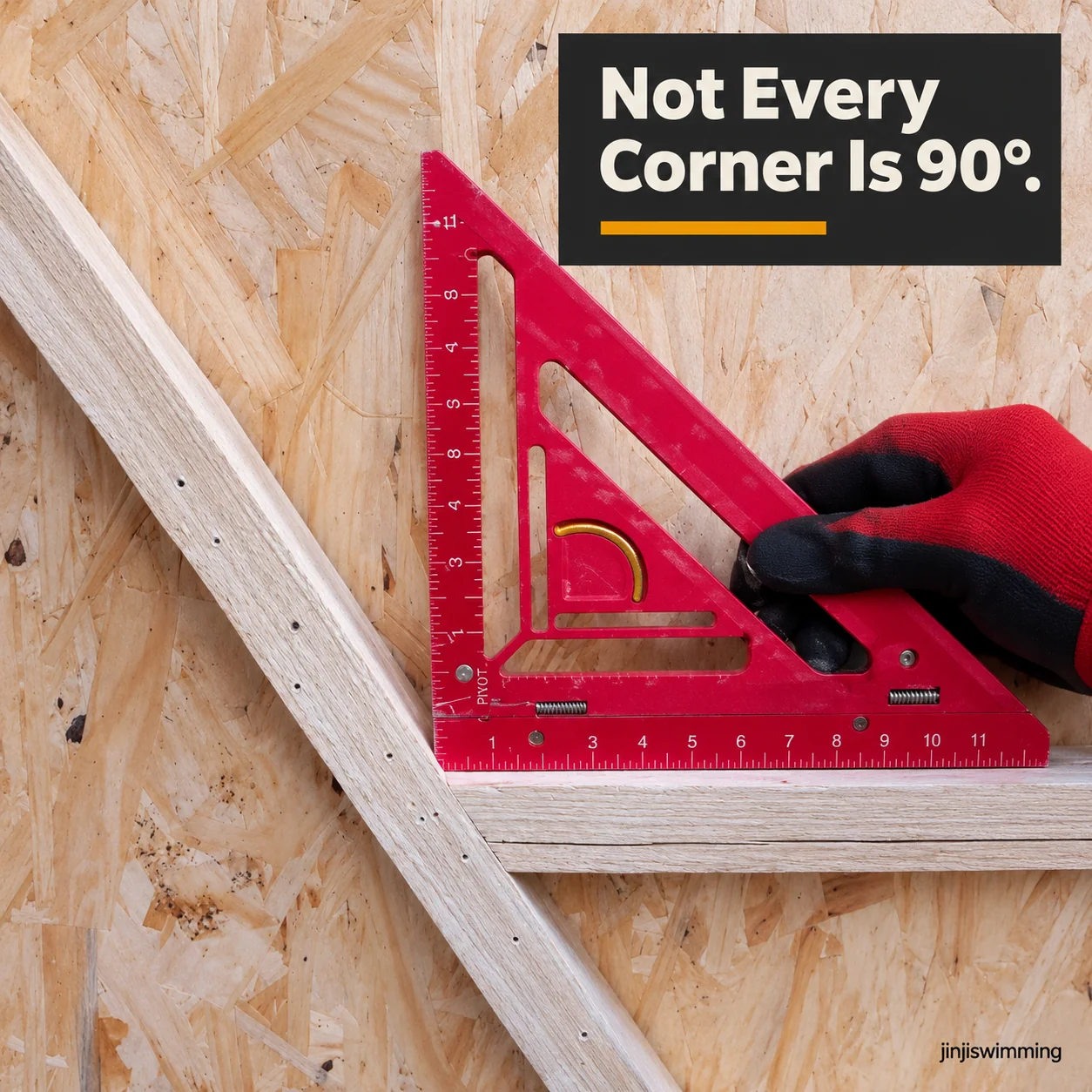
REAL PROJECTS HAVE REAL ANGLES
Not Every Corner Is 90 Degrees.
Existing walls, frames and trim can meet at unexpected angles. Work from the actual fit.
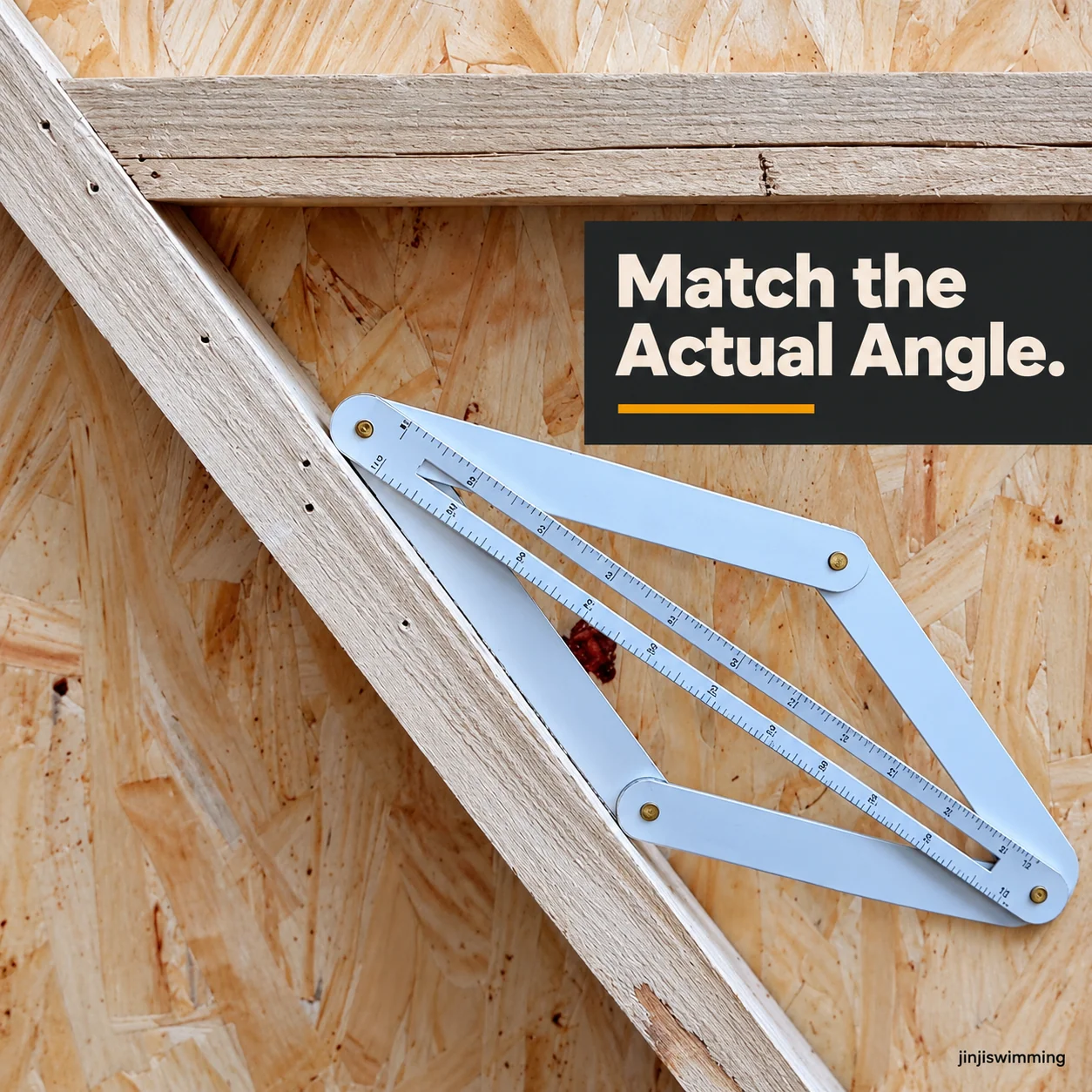
LET THE FRAME FOLLOW THE CORNER
Adjust the Arms. Match the Actual Angle.
The linked arms pivot to follow the shape of an angled joint before you mark your cut.
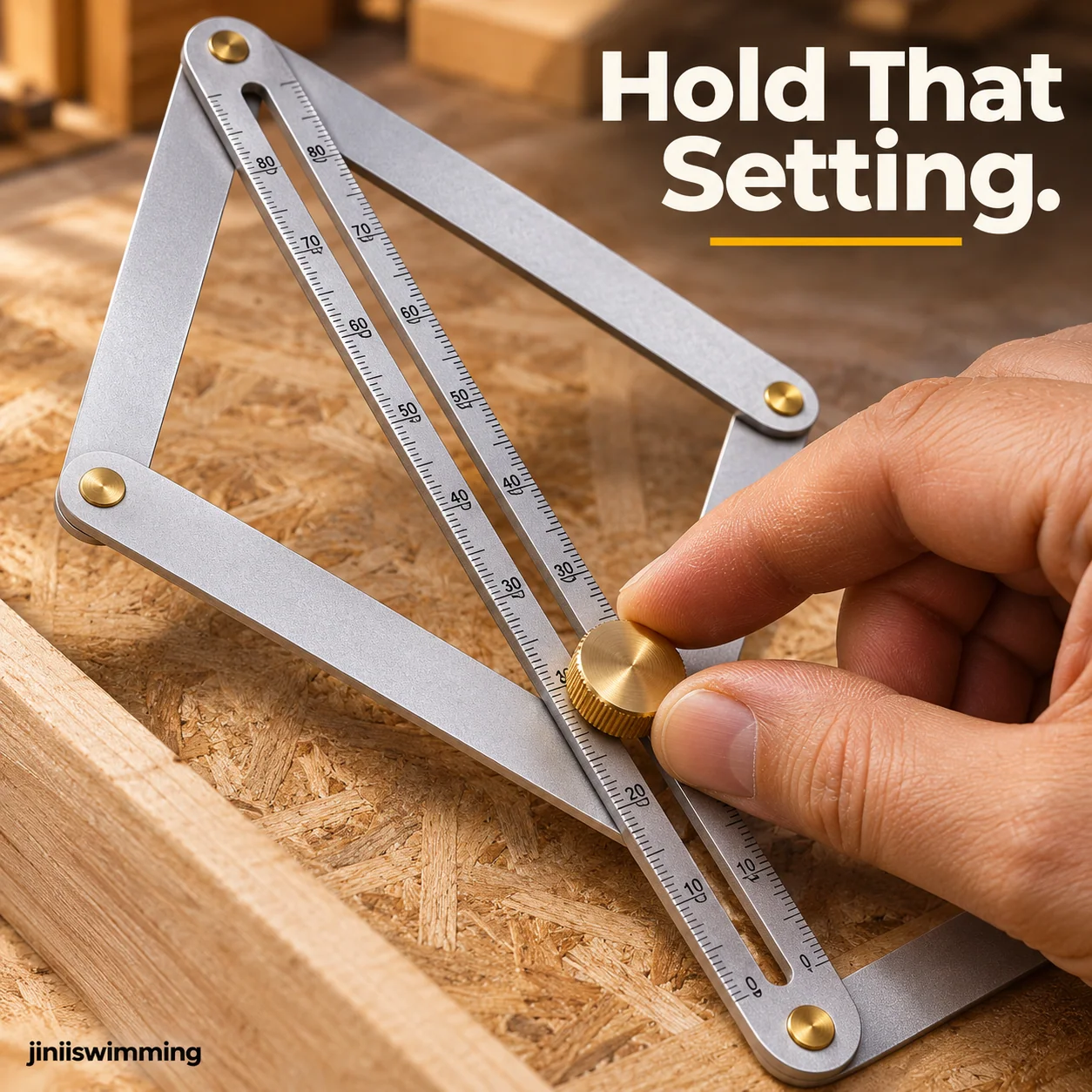
KEEP THE SETTING IN PLACE
Find the Angle. Hold That Setting.
Tighten the central knurled knob to help hold the ruler's position while you transfer it.
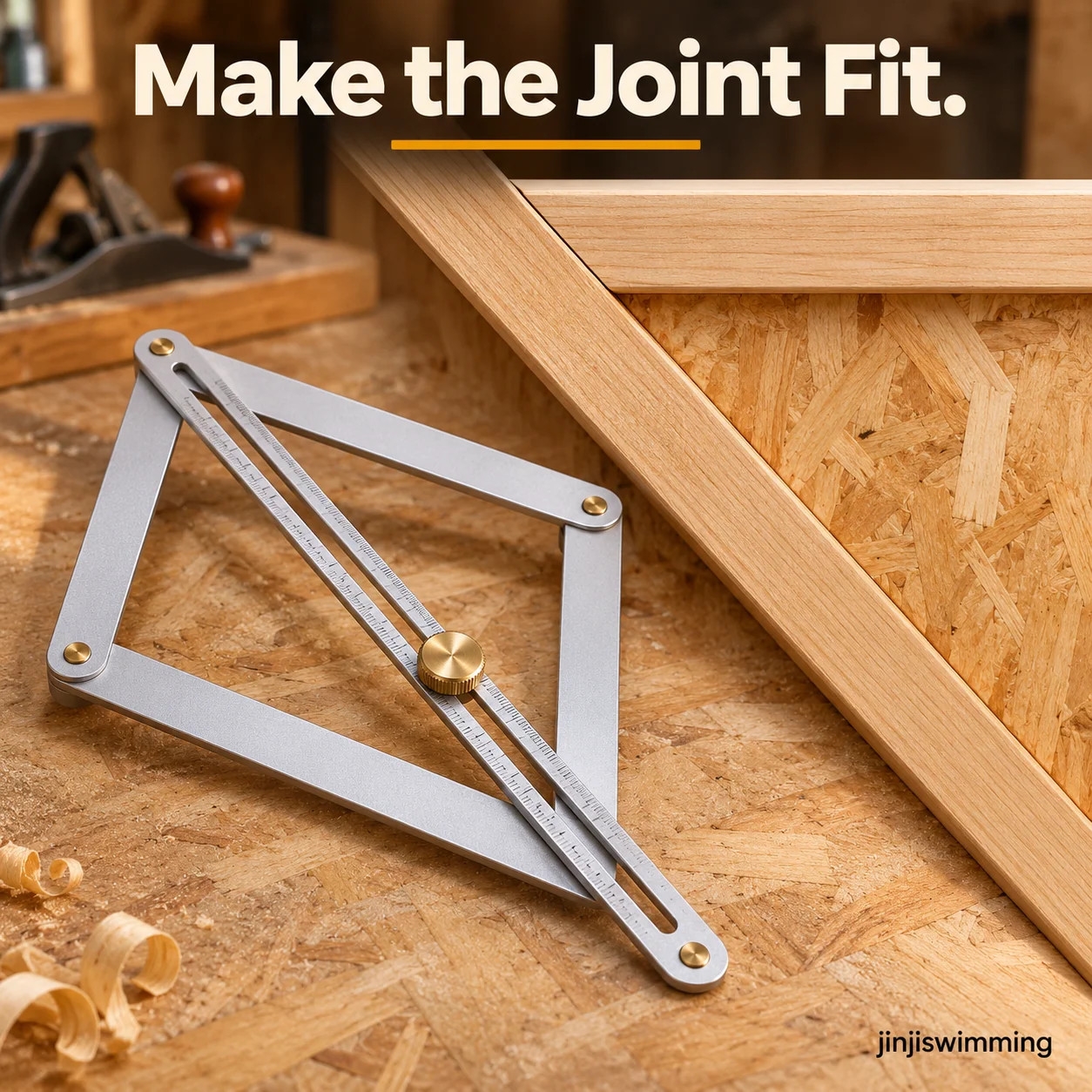
BUILD A BETTER-FITTING JOINT
Work from the Angle. Not a Guess.
Transfer the measured shape to your material before cutting trim, edging or frame pieces.
TURN THE SETTING INTO A CUT LINE
Place the Guide. Trace Your Cut Line.
Use the straight edges as a reference to mark the transferred angle with a pencil.

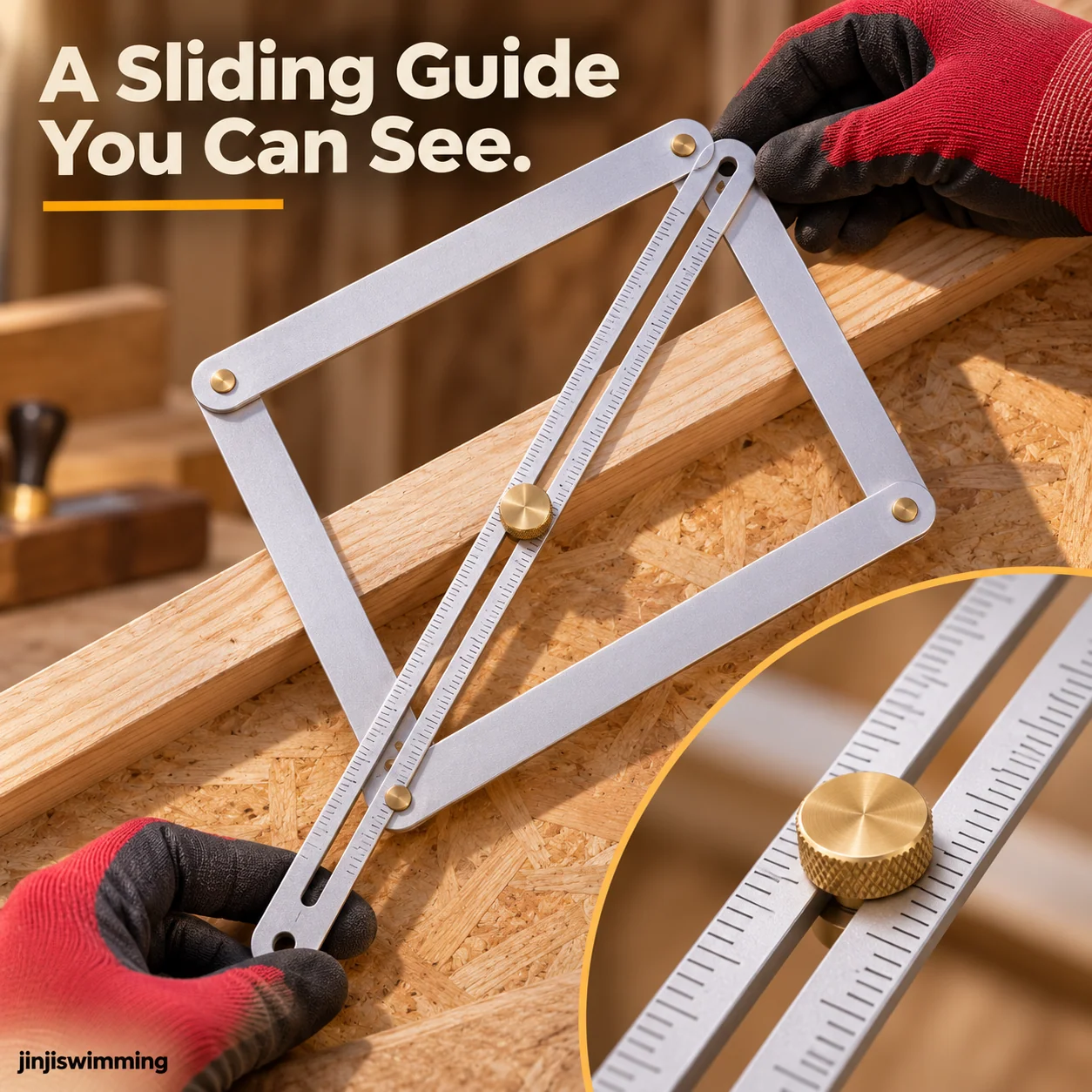
THE DETAIL THAT HELPS YOU TRANSFER
A Sliding Guide You Can See.
The center slotted ruler shows measurement markings and works with the adjustable frame.
BEFORE YOUR NEXT WOODWORKING PROJECT


